
New Feature: Revisions Management Capability
By default, ClassicPress maintains a list of revisions for each post and page. Every time a post or page is saved, a new revision is created and stored in the database. To be on the safe side, ClassicPress also makes autosaves of every post and page while it is being edited, and the latest of these is also stored in the database as a revision.
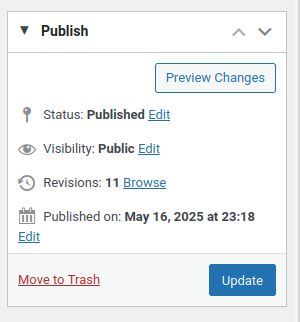
This is a very useful feature, as it means it’s possible to revert to a previous revision at any time by going to the list of revisions that can be accessed by clicking on the Revisions link in the Publish menu.
The revisions page enables a user to compare the different versions of the current post or page and then to select the appropriate one.
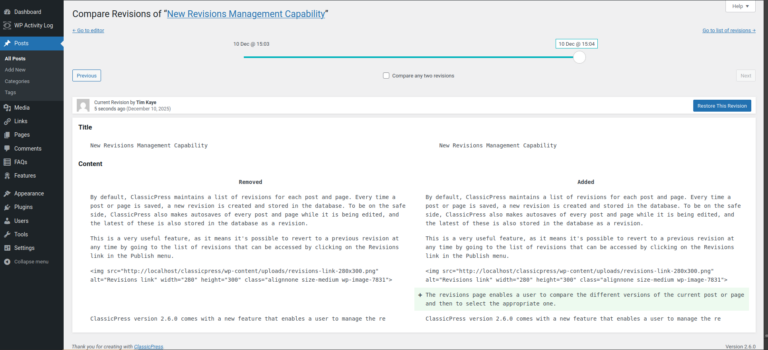
All this was possible before. But many users disable this feature — by adding define( 'WP_POST_REVISIONS', false ); to the wp-config.php file — because it can lead to an enormous number of revisions for each post or page being stored in the database, and this can, in turn, make a site noticeably slower to respond. Some users prefer to limit the number of revisions kept for each post or page. Limiting the number of revisions stored to, for example, the last ten may be achieved by adding define( 'WP_POST_REVISIONS', 10 ); to the wp-config.php file.
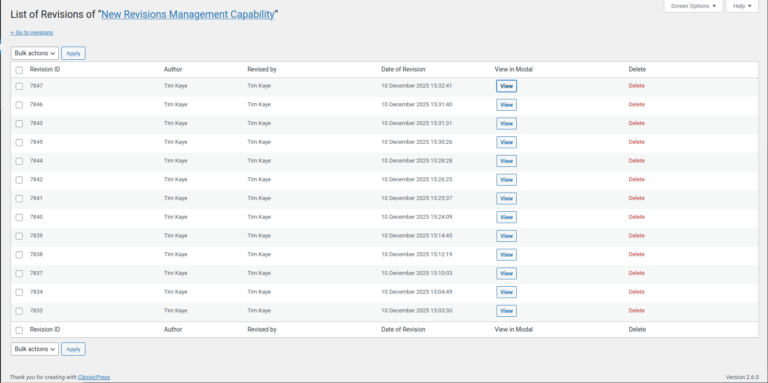
ClassicPress version 2.6.0 comes with a new feature that provides more granular control. What’s new is hinted at by a new link in the top-right of the revisions page screen, which enables a user to go to a list of revisions that looks very much like a list of regular posts or pages.
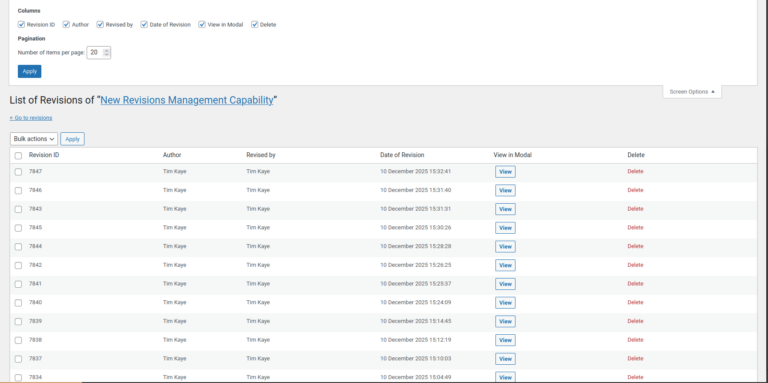
As with regular posts and pages, which columns are shown on screen may be modified by using the Screen Options button at the top-right of the screen.
Clicking on the View button enables a specific revision to be read.
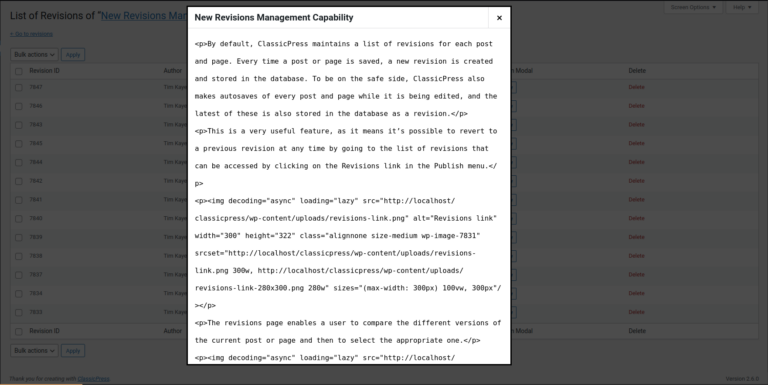
Deletions may be done per revision, by clicking on the Delete link for each revision, or they may be performed in bulk using the familiar Bulk Actions functionality. Any or all revisions listed there may be deleted without risking the loss of the current version shown on the site, because that version is not included in the list.
This feature should not only prove useful for the writing of post and pages in future, but it will also enable users whose sites may have accumulated a large number of revisions in the database to easily prune out any redundant revisions. Enjoy!